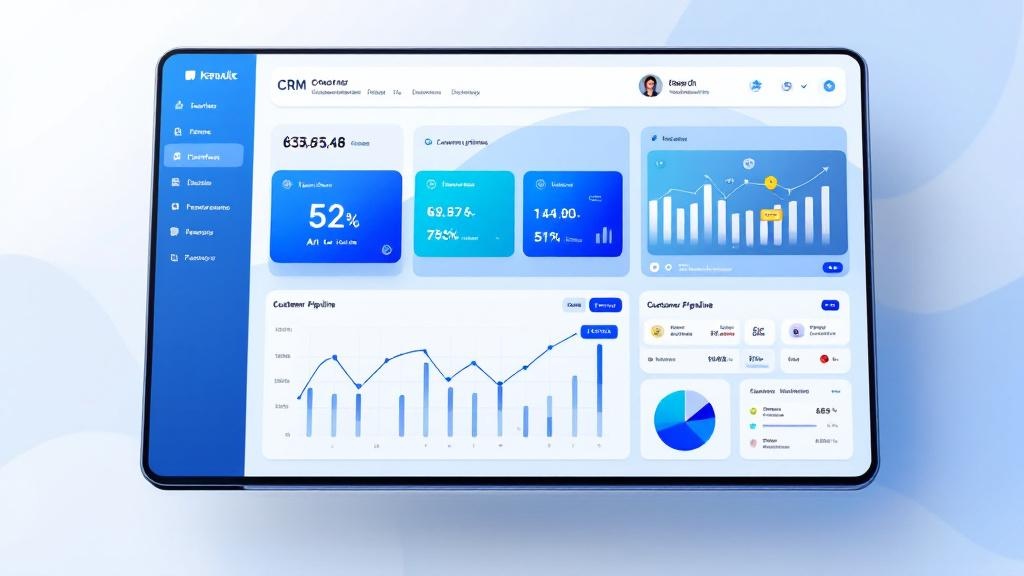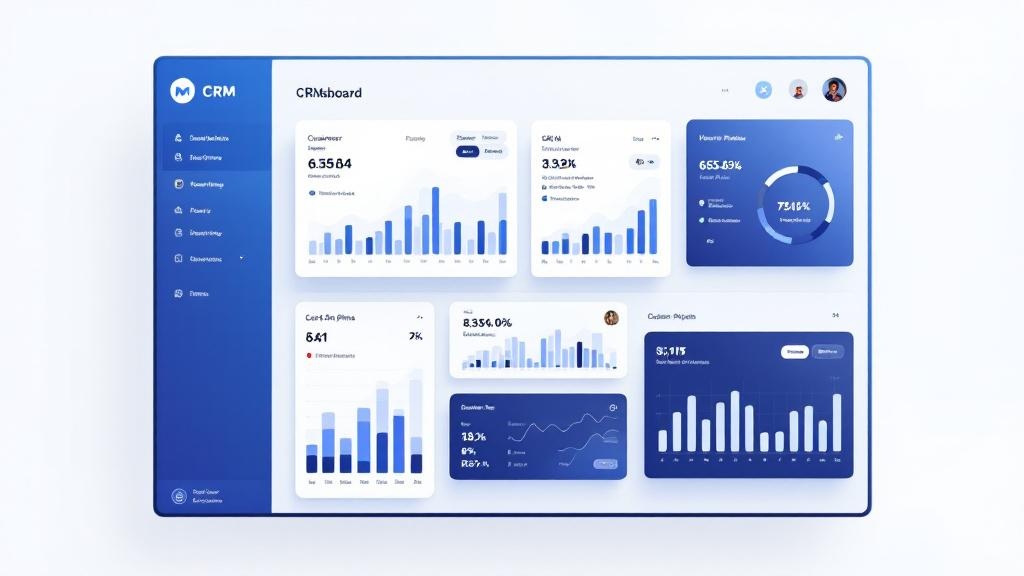
If you manage a sales team, you know reps spend long hours in front of screens. Studies show that prolonged work on bright backgrounds causes eye strain, headaches and reduced productivity. That's exactly why we added full dark mode to LeadHub.
What's New: Full Dark Mode
Dark mode in LeadHub isn't just a background color change — it's a complete interface overhaul covering every page: dashboard, leads table, campaigns, settings, reports and more. Tables have borders darker than the background for subtle separation, charts adapt their colors, and the logo dynamically switches to white.
Text Scaling — Real Accessibility
In addition to dark mode, we added text scaling in 3 levels: normal, medium (+10%), and large (+20%). Both settings are available from the user menu in one click.
6-Language Interface with RTL/LTR
LeadHub supports 6 interface languages: Hebrew, English, Russian, Spanish, Arabic and French — all with full dark mode support and proper RTL/LTR rendering.
Ready to manage leads like a pro?
A 14-day trial is available. The signup screen does not ask for a credit card.